
eFORCE / my-eforce, AREA REALTOR® Safety App, CREB® Lobbybox & Smart Safety Systems
Selling real estate in Calgary means vacant homes, private showings, rural drives, late evenings, and meeting strangers—often while working alone. 🚗🌆
The good news? REALTORS® in Alberta have access to excellent safety tools, systems, and best-practice frameworks that align with what AREA, CREB®, and RECA consistently emphasize:
✅ Risk awareness
✅ Working-alone procedures
✅ Brokerage responsibility
✅ Professional conduct & documentation
This guide evaluates the best REALTOR® safety tools available in Calgary, compares pros & cons, and shows how to stack technology + procedures without drifting offside from regulatory expectations.
🧭 The Alberta Safety Lens: AREA + CREB® + RECA
🏛️ RECA (Regulator)
RECA reminds brokerages and licensees that Occupational Health & Safety rules apply to real estate, including Working Alone obligations. Safety isn’t optional—it’s part of professional operations.
🏢 CREB® (Board)
CREB® supports REALTOR® safety through secure access initiatives, most notably the Lobbybox Program, reducing exposure in condo and apartment buildings.
🤝 AREA (Association)
AREA provides member education + a REALTOR® Safety App, reinforcing that safety is both technology and habit-based.
💡 Translation: The safest REALTORS® don’t rely on one app—they build a system.
🧱 The 4 Layers of REALTOR® Safety (Think “Defense in Depth”)

1️⃣ Personal safety technology 📲
2️⃣ Secure property access systems 🔐
3️⃣ Working-alone procedures 📋
4️⃣ Verification & professional protocols 🪪
No single layer is perfect—but together, they dramatically reduce risk.
📲 my-eforce (often called eFORCE): Personal Safety with Real-Time Monitoring
🔍 What it is
A professional-grade lone-worker safety solution used across industries, adapted for real estate. It focuses on active monitoring, safety timers, and 24/7 emergency support.
⭐ Key Features
⏱️ Safety timers for showings & open houses
📍 Live GPS tracking during alerts
🎙️ Sound capture to verify emergencies
🚨 24/7 emergency response centre
✅ Pros
✔️ Excellent alignment with Working Alone expectations
✔️ Structured, repeatable routines for solo showings
✔️ Strong emergency escalation vs “text-only” apps
⚠️ Cons
⚠️ Requires user discipline (timers must be activated)
⚠️ Pricing often requires inquiry
⚠️ Brokerages should clearly define privacy & usage policies
Best for:
🏘️ High-volume showing agents
🌾 Rural / acreage specialists
🌙 Evening & vacant-property work
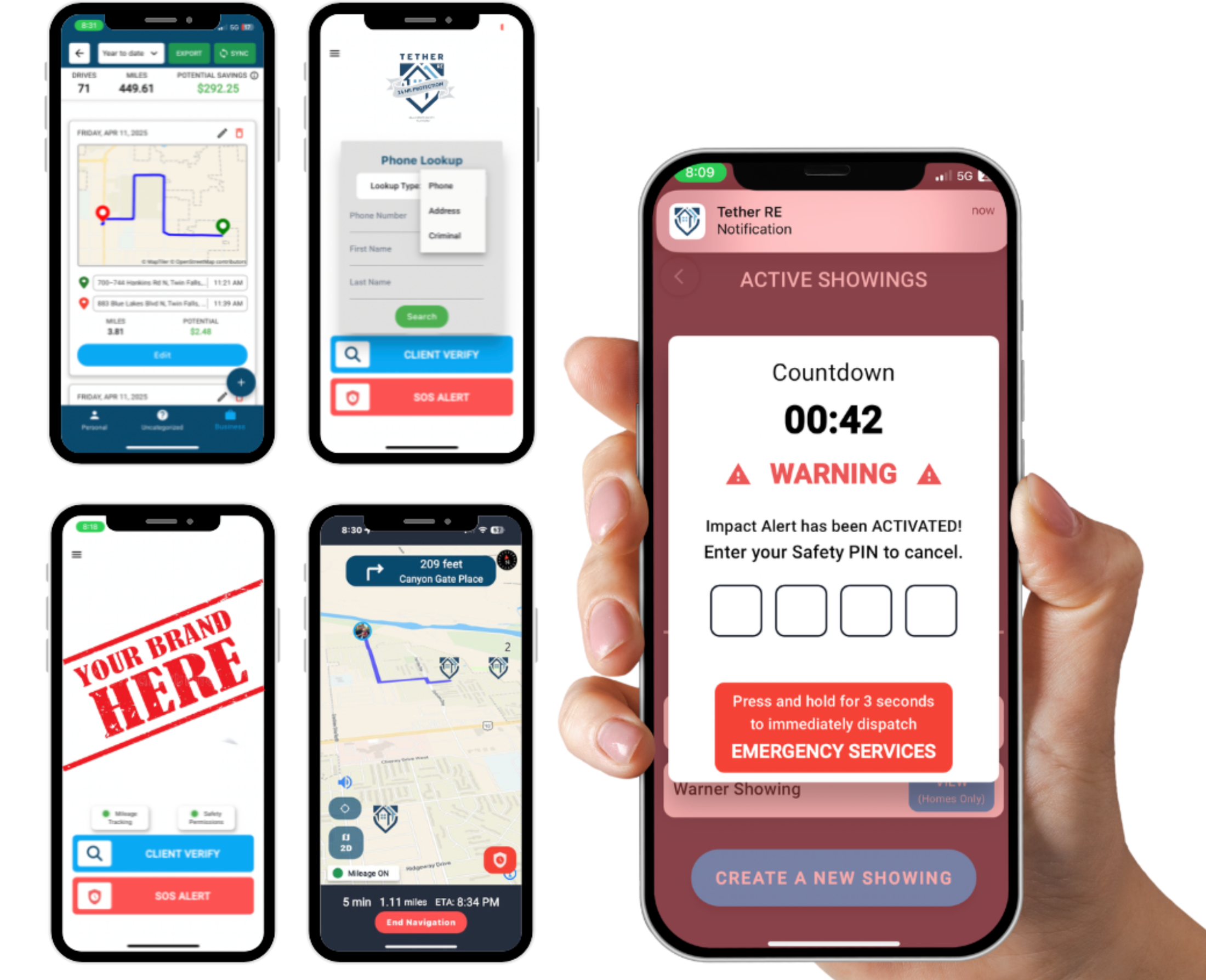
📲 AREA REALTOR® Safety App (Powered by Kinetic Global)
🔍 What it is
An AREA-provided member benefit designed to help REALTORS® summon emergency assistance quickly when alone or feeling unsafe.
⭐ Key Features
🚨 Emergency alert with GPS location
🪪 Identifying information shared during alerts
📱 Easy access on mobile devices
💸 Included with AREA membership
✅ Pros
✔️ No extra cost for AREA members
✔️ Simple, fast emergency activation
✔️ Strong baseline safety layer
⚠️ Cons
⚠️ Less workflow-oriented than timer-based systems
⚠️ Best used as baseline or backup, not sole control
Best for:
🆕 New agents
🏢 Teams needing a standard baseline
🧰 Backup safety layer alongside another system
🔐 CREB® Lobbybox Program (Calgary-Specific Safety Win)
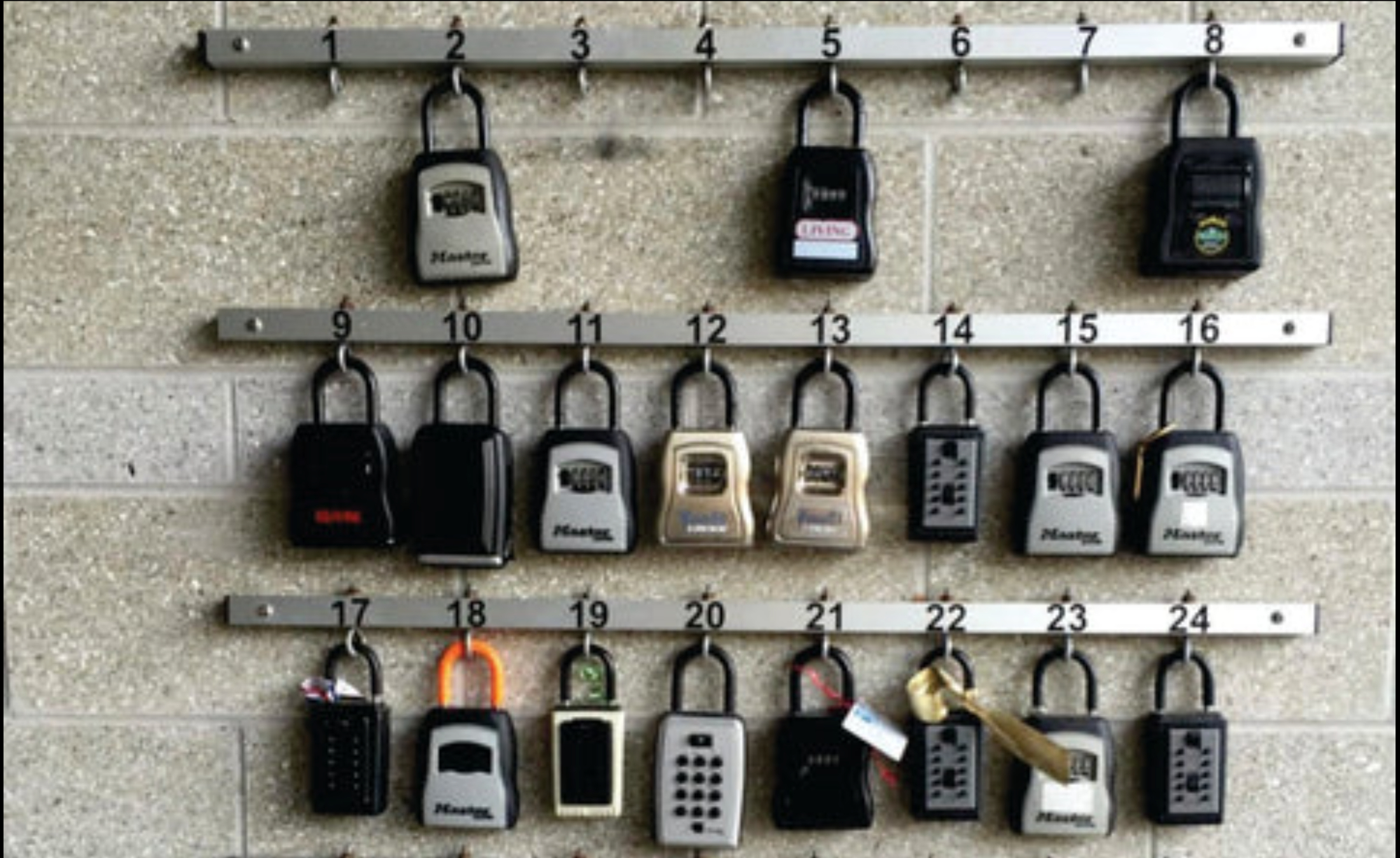
🔍 What it is
A centralized lockbox system placed in well-lit, controlled locations (typically lobbies) to reduce risk associated with hidden or isolated access points.
✅ Pros
✔️ Improves safety before entering the building
✔️ Reduces exposure in parkades & back entrances
✔️ Supported directly by CREB®
⚠️ Cons
⚠️ Only available in participating buildings
⚠️ Does not replace in-unit safety tools
Best for:
🏙️ Condo & apartment specialists
👥 Client showings in shared buildings
🧠 The Most Important Tool: Your Safety Process
Technology works best when backed by consistent habits:
✨ Office-first meetings when possible
✨ Client identity verification
✨ Showing itineraries shared with colleagues
✨ Check-in / check-out routines
✨ Buddy systems for higher-risk situations
✨ Distress code phrases
🚨 Safety apps help when something goes wrong.
🧠 Procedures help prevent it in the first place.
🧩 Quick Decision Guide
✔️ Want structured working-alone protection? → my-eforce
✔️ Want included member value? → AREA REALTOR® Safety App
✔️ Do lots of condos? → CREB® Lobbybox + safety app
✔️ Broker/Owner? → OHS procedures first, tech second
📋 Calgary REALTOR® Safety Checklist
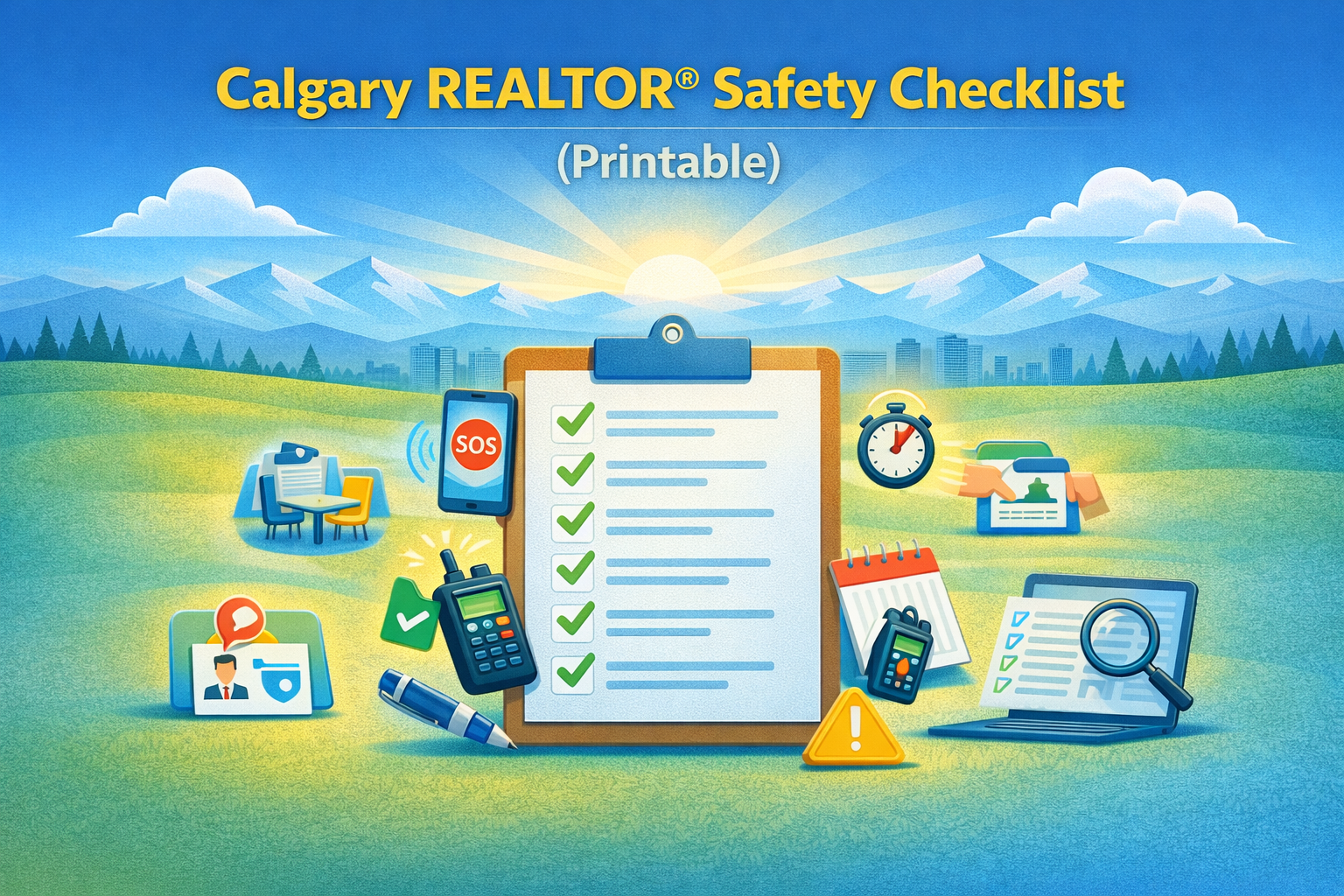
Safety app installed & tested
✔️ Timer set for every showing
✔️ Check-in contact assigned
✔️ Identity verified
✔️ Condo access plan confirmed
✔️ Exit awareness maintained
✔️ Brokerage policy followed
📊 Pros & Cons Comparison: Third-Party REALTOR® Safety Apps (Including eFORCE-Style Tools)
The table below compares major categories of third-party safety apps commonly used by REALTORS®, including platforms similar to my-eforce, panic-button apps like Noonlight, and trusted-contact solutions.
🔍 Important framing:
This comparison focuses on functionality and risk mitigation, not regulatory approval. No app is “RECA-approved” — compliance comes from process + training + documentation.
🔍 REALTOR® Safety App Comparison Table
🧠 How Brokerages Often Interpret This Table (Behind the Scenes)
From a broker / manager perspective, timer-based systems (eFORCE-style tools) tend to score highest because they:
Create predictable routines
Are easier to document in OHS programs
Reduce reliance on coworkers being available
Demonstrate proactive risk controls if reviewed later
However…
⚠️ Regulatory reality:
Using any app without training, disclosure, and procedures offers limited protection — operationally or legally.
🧩 Best-Practice Recommendation (Compliance-Safe)
Most safety-conscious Calgary REALTORS® and brokerages land on this model:
✔️ Primary tool: Timer-based or hybrid safety app
✔️ Secondary tool: Panic-button or trusted-contact app
✔️ Foundation: Written working-alone procedures
✔️ Culture: Regular reminders and normalization of safety habits